AI Generated Bedrooms: See Your Room Redesigned Before You Touch It
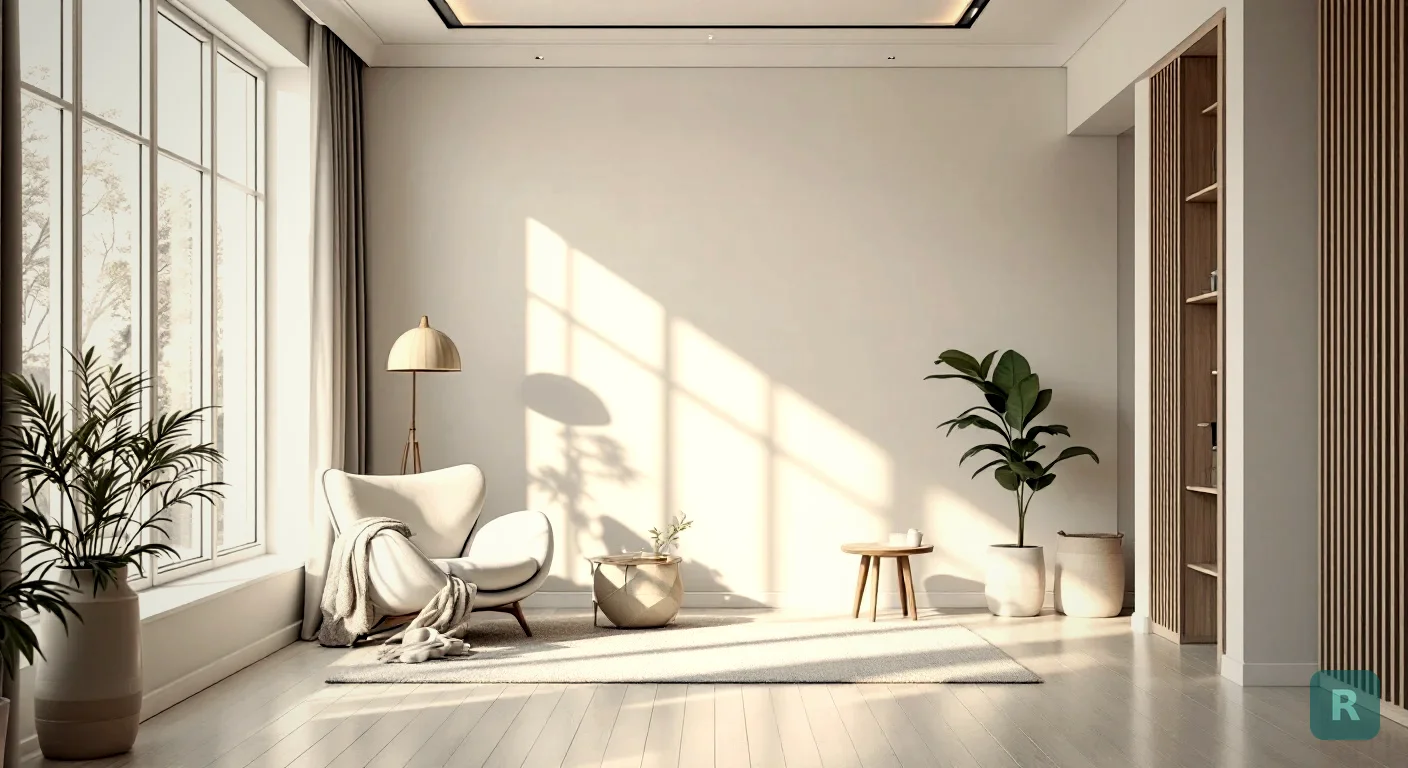
Most people can’t picture a finished room in their head. I’ve watched homeowners stand in a torn-up bedroom, staring at a wall, trying to imagine new paint and a new bed and a different layout all at once. They can’t do it. That’s not a knock on them. It’s just hard.
AI generated bedrooms close that gap. You take a photo of the room you have right now, pick a style, and a few seconds later you’re looking at the same room redesigned. No demo. No deposit. No guesswork. After 20 years of remodeling, I can tell you this would have saved me a hundred awkward consultations where the client and I were not picturing the same thing.
Key Takeaways
- AI generated bedrooms turn a phone photo of your real room into a redesigned version in seconds
- Seeing your actual space beats scrolling Pinterest, where nothing matches your walls or windows
- The best results come from a clear, well-lit photo and a specific style choice
- These renders are for design direction, not construction plans, so treat them as a starting point
- You can test several looks for free before you spend money on paint, furniture, or a contractor
What “AI Generated Bedrooms” Actually Means
Let’s keep this plain. An AI generated bedroom is a redesigned image of your room, made by software that understands what a bedroom is and how a given style looks.
The app reads your photo. It keeps the bones of the room, the windows, the proportions, the general layout, then repaints the walls, swaps the furniture, and re-styles the space to match the look you picked. The room stays yours. The style changes.
That last part is what separates this from a generic stock photo. A Pinterest image shows somebody else’s bedroom. An AI render shows your bedroom, with your weird angled ceiling and that window in the wrong spot, dressed up in a new style.
Why Seeing Beats Imagining
Here’s the design gap nobody talks about. Most contractors are builders, not designers. I can frame a wall square and true, but for years my answer to “what should this room look like?” was to ask the homeowner to go find photos they liked.
That process is clunky. The homeowner saves 40 images that don’t agree with each other, and none of them match the room we’re actually standing in. When a client can’t see the result, they hesitate, and a hesitant client doesn’t sign.
AI generated bedrooms fix the visualization problem at the root. The homeowner sees their own space transformed and gets excited. I close the job because they’re confident in what they’re getting. Same tool, two wins.
Shoot your photo in daylight with the overhead light on. Stand in the doorway and get as much of the room in frame as you can. Clutter confuses the result, so make the bed and clear the nightstand first.
The Styles Worth Trying First
You don’t have to know design theory to use this. You just pick a direction and see it. Bedrooms tend to look good in a handful of styles, and these are the ones I’d start with:
- Scandinavian for light, calm, and warm wood tones
- Japandi when you want minimal but still cozy
- Modern Farmhouse for soft, lived-in comfort
- Mid-Century Modern if you like clean lines and a bit of retro
- Coastal for an airy, relaxed feel
Try two or three. Compare them side by side. You’ll know within a few renders which one feels like home. Browse the full set on the styles page if you want to see what each look brings before you test it on your room.
How to Get a Bedroom Render That Looks Real
The tool does the heavy lifting, but a few habits make the difference between a render you trust and one you toss.
Wide shot from the doorway, lights on, room tidy. One good angle beats five cluttered ones.
Choose one look at a time so you can judge it clearly. Mixing five styles in your head is how people freeze.
Run the same room through a couple of styles. Save the ones that click and set the others aside.
Show the winning render to your partner, your painter, or your contractor. Now everyone is picturing the same thing.
Where AI Renders Help and Where They Don’t
I’ll be straight with you, because that’s how I run my business. These renders are a design tool, not a blueprint.
An AI generated bedroom shows you mood, color, and direction. It does not tell you whether that wall is load-bearing, what the new lighting will cost, or how long the work takes. Treat the render as the vision, not the spec.
The table below is roughly how I’d weigh it.
| Question | AI Render | Your Contractor |
|---|---|---|
| What style fits my room? | Yes | Sometimes |
| What colors and mood work? | Yes | Maybe |
| Can this wall come out? | No | Yes |
| What will it cost and take? | No | Yes |
A render can show a freestanding tub or a wall removed and make it look easy. Behind that wall could be plumbing, wiring, or rot. Always have a pro confirm what's actually possible before you fall in love with a layout.
What This Saves You Before You Call a Contractor
Indecision is expensive. Every time a client changes their mind mid-project, it costs time and money, because we’re undoing work that was already done. The cure is knowing what you want before the first hammer swings.
That’s the real value here. You walk into the project with a clear picture instead of a vague feeling. You’ve already seen your room in the style you chose, so you’re committing to a vision, not a gamble.
It also keeps your budget honest. When you know the look you’re after, you stop buying things that don’t fit and you stop second-guessing. Add your 15 to 20 percent for surprises, because there are always surprises, and you’re walking in like someone who’s done this before. See how the free and Pro options compare on the pricing page if you want to run more than a few looks.
Your Next Steps
Here’s how I’d put this to work this week.
- Snap one clean, well-lit photo of your bedroom from the doorway
- Pick two or three styles you're curious about and generate each one
- Save your favorite render and show it to anyone involved in the project
- Bring that image to your contractor so you both start on the same page
- Budget realistically and keep a 15 to 20 percent cushion for the unexpected
Want to see what your bedroom could become before you spend a dime on it? Try it free with ReVision AI and run your first three transformations. Then take a look at the before-and-after gallery to see how far a single photo can go.
Get Design Inspiration Weekly
Fresh room makeover ideas, renovation tips, and style guides delivered to your inbox.
Design tips and inspiration only. Unsubscribe anytime.
Related Articles
Decorate With AI: How to See Your Room Restyled Before You Spend a Dime
Want to decorate with AI but not sure where to start? Here's how a third-generation carpenter uses it to test styles, layouts, and colors before buying.
8 min readAI Design a Room: Try Any Style in Your Actual Space First
Want to AI design a room before you spend a dime on the real thing? Here's how a contractor uses photo-to-style AI to plan a room that actually works.
8 min readAI Room Design Tools: What They Do and How to Pick One
AI room design tools turn a phone photo of your room into styled renderings in seconds. Here's how I separate the useful ones from the gimmicks.
8 min read