AI Kitchen Remodel: How to Visualize Your Kitchen Transformation Before Demo Day
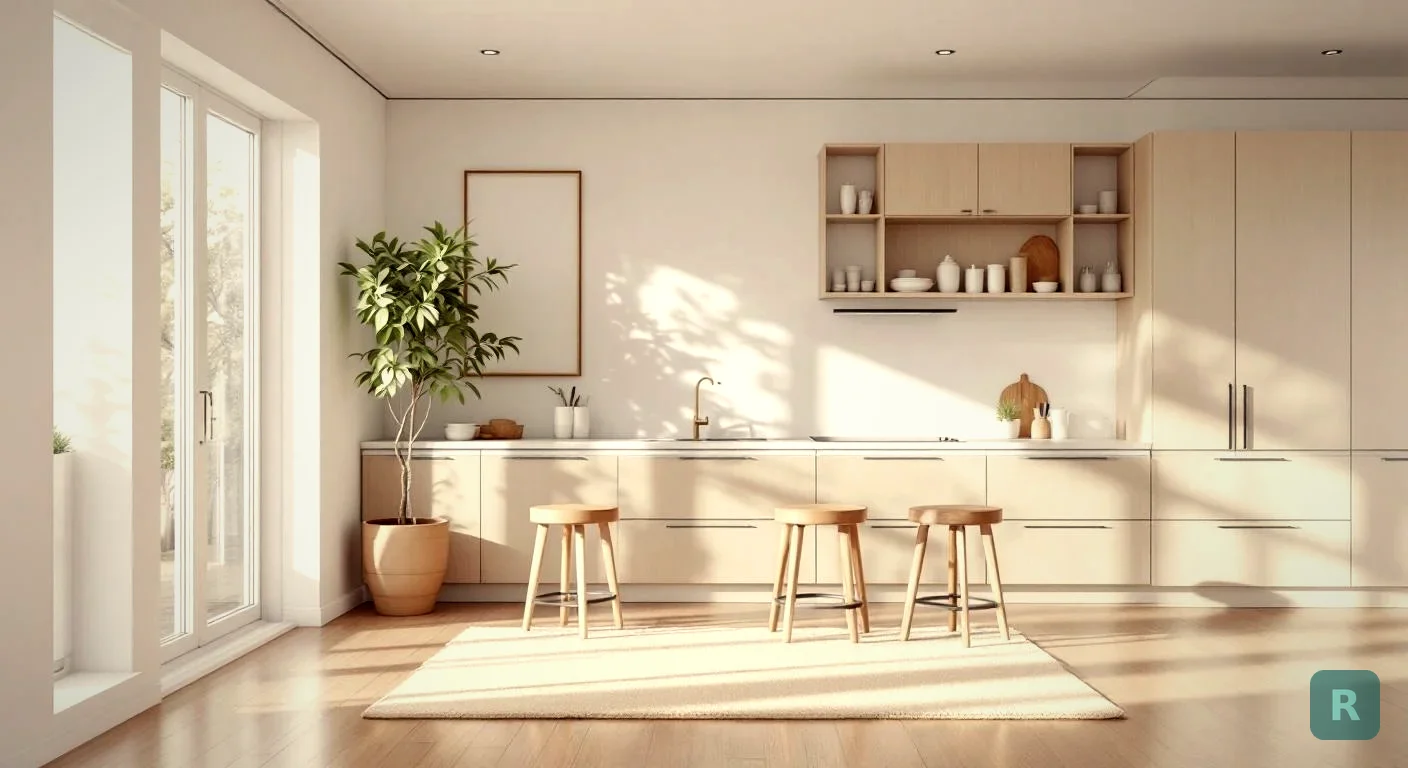
Key Takeaways
- AI kitchen remodel tools let you visualize your renovation before spending a dollar on materials or labor
- Seeing your kitchen transformed in different styles helps you commit to a direction with confidence
- Most homeowners spend weeks or months second-guessing their design choices - AI visualization cuts that time dramatically
- You can explore styles like Japandi, Modern Farmhouse, Industrial, and more without hiring a designer
- ReVision AI turns a single photo of your kitchen into photorealistic renovation renderings in seconds
One of the most common reasons kitchen remodels stall is simple: the homeowner can’t picture what they actually want.
They know the current kitchen isn’t working. The cabinets are dated. The countertops have seen better days. The layout feels cramped. But when you ask them to describe what they want instead, you get a lot of “I’ll know it when I see it.”
That’s not a personality flaw - that’s a visualization problem. And it’s one that AI can now solve in a way that wasn’t possible even a few years ago.
The Design Gap in Kitchen Renovation
Here’s something I’ve seen play out hundreds of times over two decades of remodeling work in the Pacific Northwest. A homeowner books a consultation, they have a rough budget, and they’re ready to move forward. Then you ask what style they want and the whole thing slows down.
They pull out a phone and scroll through saved Pinterest photos. Half are Scandinavian minimalist. Half are rustic farmhouse with exposed brick. A couple are ultra-modern with waterfall counters and handle-free cabinets. None of them look like each other, and none of them look like the kitchen you’re standing in.
The problem isn’t indecision. The problem is that it’s genuinely hard to mentally project a finished kitchen onto an unfinished one. That’s a skill most people don’t have - and frankly, even experienced contractors aren’t always great at it. We’re builders, not rendering software.
That gap - between what someone wants and what they can visualize - is where a lot of renovation energy gets burned up.
Design changes mid-project are expensive. Not just in material costs or labor - but in timeline, stress, and the relationship between the homeowner and the contractor. The earlier you lock in your direction, the smoother the project goes. That’s just reality.
What AI Kitchen Remodel Tools Actually Do
The concept is straightforward: you take a photo of your kitchen as it exists right now, and an AI system analyzes the space and generates a photorealistic rendering of what it could look like in a different style.
No CAD software. No design degree required. No expensive architect or interior designer. Just a photo and a few seconds.
The technology has gotten genuinely impressive. We’re not talking about blurry concept art or obviously-filtered images. Modern AI image generation can render realistic cabinet textures, accurate lighting conditions, believable countertop materials, and cohesive style palettes that look like real completed kitchens.
Take a photo of your kitchen from a natural angle that captures the main layout - cabinets, countertops, appliances. Good lighting helps but isn't required.
Pick from curated design styles like Japandi, Modern Farmhouse, Industrial, Mid-Century Modern, or enter a custom prompt for something specific.
In seconds, you get a photorealistic rendering of your kitchen reimagined in that style. Compare, share, and decide.
Why This Changes the Renovation Conversation
Think about what this does for the decision-making process. Instead of scrolling through other people’s kitchens on Instagram and wondering if that look will work in your space, you can see your space transformed.
Your cabinets. Your layout. Your actual kitchen - just in a completely different style.
That’s a fundamentally different experience than looking at inspiration photos. It grounds the conversation in reality. And it moves the homeowner from “I think I want something like that” to “yes, I want exactly this.”
From a contractor’s perspective, that’s a completely different client to work with. When someone comes to a consultation already knowing what they want and having seen it visualized in their actual space, the whole project goes more smoothly. Scope is clearer. Material choices are faster. There are fewer “actually, can we change that?” moments once work has started.
Before your contractor consultation, run your kitchen through at least three different style directions. You might discover you love a style you hadn't considered, or confirm that your instinct was right all along. Either way, you walk into the meeting with a direction instead of a Pinterest board full of contradictions.
Kitchen Styles Worth Exploring
If you’re not sure where to start, here are some of the most popular directions for kitchen renovations right now and what makes each one distinct.
Japandi
A blend of Japanese minimalism and Scandinavian function. Think clean lines, muted earth tones, natural wood, and zero visual clutter. No ornate details. No hardware-heavy cabinets. The beauty comes from proportion and material quality, not decoration. Great for smaller kitchens where you want the space to feel bigger and calmer.
Modern Farmhouse
White shaker cabinets, open shelving, apron-front sinks, warm wood accents. This style reads as familiar and inviting without feeling dated. It’s approachable and works well in older homes where you want to modernize without losing character. One of the most consistently popular kitchen styles in the Pacific Northwest.
Industrial
Exposed brick, open pipe shelving, matte black hardware, stainless steel appliances. Industrial kitchens feel functional and intentional, like a professional kitchen crossed with a loft. This style works especially well when you have existing architectural elements to lean into - high ceilings, concrete floors, large windows.
Mid-Century Modern
Clean horizontal lines, warm wood tones, bold accent colors, and hardware that has a retro-but-refined look. MCM kitchens feel timeless rather than trendy. If you live in a home built between 1950-1970, this style often aligns with the original architecture in a way that feels cohesive rather than retrofitted.
Explore all the styles ReVision AI supports on the styles page - each one includes a description of the key design elements and what kinds of spaces they work best in.
The Real Cost of Getting the Design Wrong
Let me put some numbers on why design clarity matters before you start tearing things out.
These aren’t hypotheticals. A kitchen remodel in the Pacific Northwest starts around $45,000 for a mid-range project. Design changes after materials are ordered can add 5-20% to that number fast. And unlike material costs, those change-order expenses often come as a surprise.
The cheapest design decision you can make is the one you make before demo day. Spending 10 minutes visualizing your kitchen with an AI tool beats spending $5,000 on restocking fees.
How ReVision AI Handles Kitchen Spaces
ReVision AI was built specifically for this - helping homeowners and contractors see renovation possibilities before committing to them.
The app works on any room, but kitchens are one of the most powerful use cases because there are so many variables to visualize:
- Cabinet style, finish, and color
- Countertop material (quartz, marble, butcher block, concrete)
- Hardware finishes (brass, matte black, brushed nickel)
- Lighting style and placement
- Backsplash patterns and colors
- Flooring material and tone
When you run a kitchen photo through ReVision AI and select a style, you’re seeing all of those elements interpreted together in a way that makes sense as a coherent design. It’s not just swapping a cabinet color - it’s seeing the whole design language applied to your actual space.
Check out the gallery to see real before-and-after examples of room transformations across different styles. You’ll get a sense of what’s actually possible in spaces that look a lot like yours.
ReVision AI includes 3 free transformations - no credit card required. That's enough to explore three completely different style directions for your kitchen before you decide whether to go deeper. See the pricing page for details on the Pro plan if you want unlimited transformations.
Using AI Visualization to Get Contractor Bids
Here’s a practical use case that doesn’t get talked about enough: bringing an AI rendering to your contractor consultations.
When you can show a contractor a visual of what you’re trying to achieve - even a rough AI-generated one - the conversation gets a lot more productive. Instead of trying to describe “I want it to feel warmer but still modern,” you hand them an image and say “something like this.”
That’s useful for a few reasons:
- The contractor can immediately spot elements that might affect cost (custom cabinet work vs. stock, specialty tile, structural changes)
- They can flag anything that might not be feasible in your specific space
- The bid is more likely to actually cover what you want because both parties are working from the same visual reference
Think of the AI rendering as a starting point for the conversation, not a finished blueprint. It gives everyone something concrete to react to, which moves the project forward faster.
What to Do Before Your Kitchen Remodel Starts
- Run your kitchen through at least 2-3 different style directions using an AI visualization tool
- Save your favorite renderings to share with contractors during consultations
- Identify non-negotiables (open shelving, island, specific appliance placement) vs. things you're flexible on
- Set a realistic budget with 15-20% contingency built in for surprises
- Get at least 3 contractor bids and make sure they all quote the same scope
- Understand your material lead times - custom cabinets can take 4-8 weeks
- Plan for being without a functional kitchen for the duration of the project
Try It on Your Kitchen Today
The best way to use AI for your kitchen remodel isn’t to spend hours researching tools. It’s to take a photo right now and see what your kitchen could look like.
Download ReVision AI and try 3 free transformations. You might confirm what you already had in mind, or you might discover a direction you hadn’t considered. Either way, you’re walking into the renovation with something you didn’t have before: a clear picture of where you’re going.
That’s worth more than you might think.
Get Design Inspiration Weekly
Fresh room makeover ideas, renovation tips, and style guides delivered to your inbox.
Design tips and inspiration only. Unsubscribe anytime.
Related Articles
The Best Free Home Remodel App (From a Contractor Who Uses One)
A free home remodel app can show you the finished room before demo day. Here's what to look for, what free really means, and how to test one right.
8 min readAI Remodel Kitchen: How I'd Preview a Kitchen Before Spending a Dollar
An AI remodel kitchen tool lets you see new cabinets, counters, and layouts before demo day. Here's how I'd use it as a contractor to plan a kitchen right.
8 min readRenovate With AI: How to Remodel Your Home Before You Spend a Dime
Use a renovate AI home remodel app to preview any room in seconds. See how to picture your space transformed before you ever swing a hammer or sign a bid.
8 min read