AI Furniture Placement: How to Plan a Room Without Pushing Couches
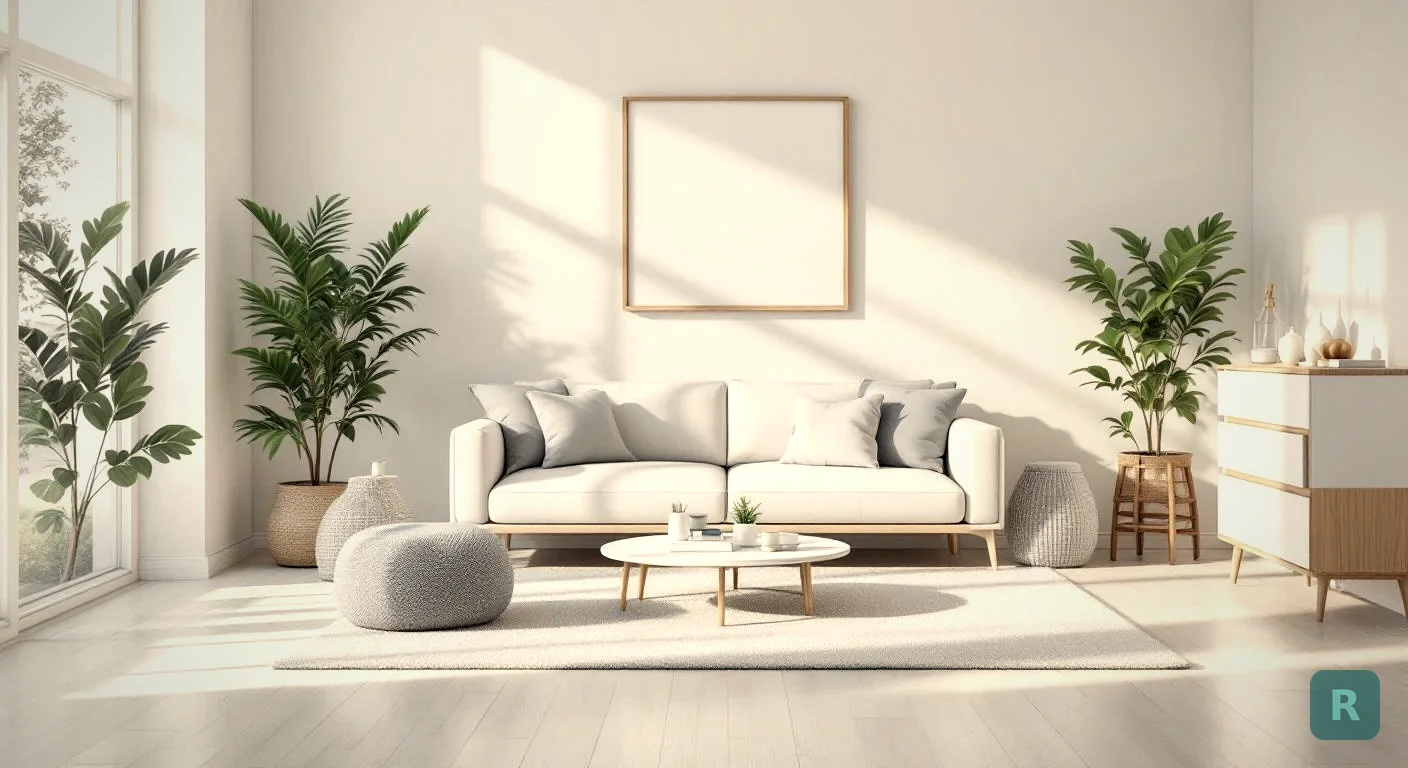
I’ve watched homeowners stand in the middle of a freshly painted room with a tape measure in one hand and a phone in the other, trying to figure out if the new sectional is going to fit. Sometimes it does. Sometimes it shows up and blocks half the doorway. AI furniture placement removes the guessing, and it does it without you ever lifting a thing.
Snap a photo. Drop in the layout you want. See whether it works before the delivery truck shows up.
Key Takeaways
- AI furniture placement uses a photo of your actual room, not a generic 3D model
- Most apps can swap, scale, and reposition pieces in seconds
- The tech catches scale problems early, which is where most homeowners get burned
- It works best when paired with real measurements, not just visual estimates
- I’ve used it on real client jobs to close design conversations faster
What AI Furniture Placement Actually Does
Old-school room planners made you build a digital version of your space from scratch. You measured every wall, picked a generic floor texture, and then dragged in cartoon couches. It looked like a blueprint from 1998.
The new tools work differently. You take a photo of your real room. The AI reads the depth, the floor plane, the windows, and the walls. Then it places furniture in 3D space inside that photo. The result is your actual room with new stuff in it, not a cartoon approximation.
That difference matters. When the picture looks like your living room, you make better decisions. You can spot the awkward gap between the sofa and the wall. You can see whether the rug is swallowing the coffee table. The faked-out 3D rooms hide all of that.
The Three Things Good AI Placement Tools Do Well
- Scale matching. The AI keeps furniture proportional to the doorways and ceiling height in your photo
- Lighting that matches the room. Soft afternoon light on the existing wall should fall on the new chair too
- Style coherence. A modern sectional shouldn’t look pasted into a Victorian parlor unless that’s what you want
AI placement is great for vibe and visual fit. It is not a substitute for measuring your doorways and stairwells. I've seen a $4,200 sectional get returned because nobody measured the stairwell turn. The AI got the room right. The delivery path was the problem.
Why Layout Decisions Are Harder Than They Look
Here’s something I tell every client. A room can be perfectly fine on paper and still feel wrong when you walk in. The math says the couch fits. Your body says the room is cramped.
Good layouts have rules. Walking paths need at least 30 inches. Coffee tables sit 14 to 18 inches off the sofa. Rugs should pin down at least the front legs of the major seating pieces. AI tools that know these rules will flag you when something is off. The lazy ones just plop the chair down and call it good.
When I’m helping a client plan a new build or remodel, the layout conversation is usually the longest one we have. Where does the TV go? Is there a reading nook? Is the dining table competing with the kitchen island for floor space? Those decisions ripple out into electrical, lighting, and even framing. Getting the layout right early saves you from change orders later, which is where budgets quietly blow up.
How to Use AI Furniture Placement Like a Pro
You don’t need to be a designer to get good results. You just need a clean process.
Pull out as much existing furniture as you can. The AI works better on a clean canvas. Even shoving the old recliner into the corner helps.
A wide corner shot captures two walls, the floor, and ceiling. That gives the AI enough geometry to place stuff with proper depth.
Don't lock in the first one that looks decent. I usually run 3 to 5 versions before picking. Same room, different couch positions or rug sizes.
Save each version. Look at them next to each other on a tablet or laptop. The right answer is usually obvious once you can see them together.
Mistakes I See Homeowners Make
- Shooting the room with all the old furniture still in it, which confuses the AI
- Picking lighting that’s too dim, so the depth detection fails
- Ignoring scale because “the AI handles it” (the AI handles a lot, not everything)
- Skipping the floor plan check before ordering anything expensive
What This Tech Cannot Do (Yet)
Look, I’m a contractor first. I love this stuff, but I’m not going to oversell it.
AI placement is great for the visual layer. It’s not great at predicting traffic flow with kids and pets running through. It can’t tell you how the sun will move across the room at 4 PM in October. It won’t know that your hardwood is original 1925 oak that creaks if a 200 pound chair is dragged across it. Those judgment calls still belong to a human, ideally one who has stood in a lot of rooms.
The other thing it can’t do is design taste for you. The AI will happily place a velvet chesterfield next to a bean bag if you tell it to. Knowing what looks good together is still your job. I usually tell clients to pull a Pinterest board first and use that as the reference, then let the AI do the placement work.
Where AI Placement Beats a Spreadsheet
I used to plan layouts on graph paper. Then I used a CAD program. Both worked, but neither was fast enough for the moment when a client is sitting at the kitchen counter saying “what if we did the sectional this way instead?”
That’s where photo-based AI shines. You answer the question right there. No remeasuring, no redrawing, no waiting until next week’s meeting. The client sees the answer in their actual living room, not a wireframe approximation. Decisions get made faster. The project moves.
For a contractor or designer, that speed is the real value. The homeowner is happier because they can see the choice. You’re happier because the design phase doesn’t drag on for weeks.
| Method | Time per Layout | Realism | Best For |
|---|---|---|---|
| Graph paper | 30 to 60 min | Low | Quick floor plan check |
| CAD software | 1 to 3 hours | Medium | Detailed construction docs |
| 3D room planner | 20 to 40 min | Medium | Furniture retailers |
| AI photo placement | 30 seconds | High | Real-time decisions |
How AI Furniture Placement Fits Into a Real Remodel
When I’m running a kitchen or bathroom remodel, layout is locked in early. The plumbing rough-in alone makes most furniture moves expensive after the fact. But for living spaces, dens, bedrooms, and offices, the layout stays flexible until move-in day.
That’s where I’ve started using ReVision AI on jobs. We finish framing and drywall, the room is empty and clean, and the homeowner is staring at a blank space wondering what goes where. Instead of telling them to “imagine a couch over here,” I take a photo with my phone and we start trying things. They go from confused to confident in about 10 minutes.
That confidence is what closes the door on a project. A homeowner who can see their finished room signs off on the final invoice without second-guessing.
If you want to see what your space could become, Try it free with ReVision AI. You get 3 transformations free, which is plenty to test a couple layout ideas. Or check out the styles page to see the design directions you can run with.
Quiz: What Style Should You Test First?
Pricing Reality Check
People assume good AI design tools cost a fortune. They don’t. Most of them have a free tier that’s enough for casual users. The paid tiers are usually under $10 a month, which is less than one Saturday morning at Starbucks.
For comparison, hiring a designer for a single room consult runs $200 to $1,500 depending on the market. The AI doesn’t replace a real designer, but it gives you 80% of the visualization for 1% of the cost.
Your Next Steps
Want to try this on your own room? Here’s the order I’d run it.
- Clear the room as best you can and shoot a wide corner photo
- Measure your doorways, stairwells, and ceiling height (write them down)
- Pull a Pinterest board with 5 to 10 layout references you like
- Run 3 to 5 layout tests in an AI placement tool, save each one
- Compare side by side, pick a winner, then verify with real measurements
- Order the furniture only after the AI version and the tape measure agree
That’s the whole process. It’s faster than what I was doing 5 years ago, and the results are better because you can actually see them in the real space. Take one weekend to try it on a single room. You’ll never go back to graph paper.
Get Design Inspiration Weekly
Fresh room makeover ideas, renovation tips, and style guides delivered to your inbox.
Design tips and inspiration only. Unsubscribe anytime.
Related Articles
How to Identify Furniture From a Photo (And Actually Find It)
Want to identify furniture from a photo and track down where to buy it? Here's how AI photo recognition works and how to find pieces you love for your home.
7 min readRenovate AI App: How a Contractor Picks One That Actually Helps
A renovate AI app turns a photo of your room into a finished design in seconds. Here is how I judge them as a contractor and which features actually matter.
8 min readFind Furniture by Picture: How to Identify and Buy the Piece You Saw
Want to find furniture by picture? Snap a photo, let AI identify the piece and show it in your own room before you buy. A contractor's real-world guide.
7 min read