AI Room Makeover: See Your Space Redesigned Before You Spend a Dime
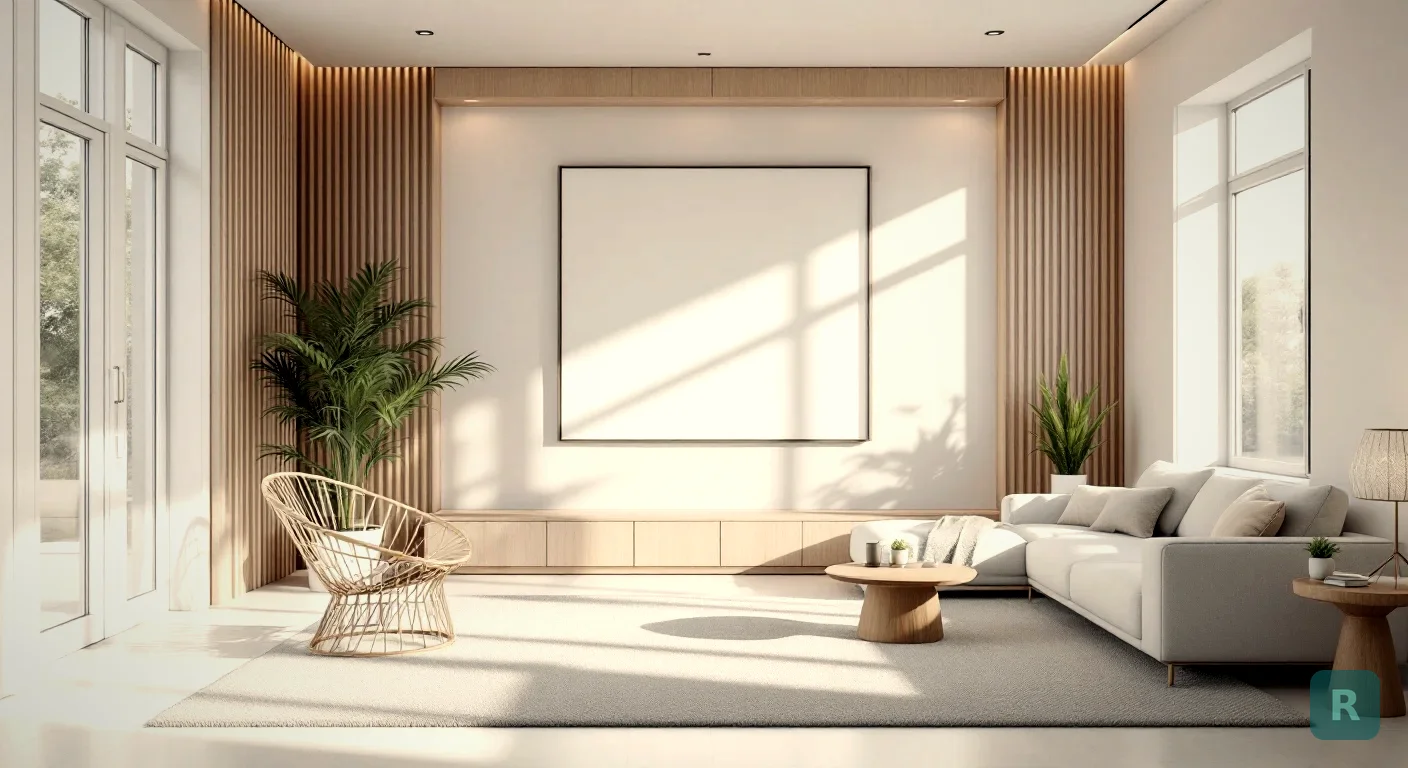
Most people can’t picture a finished room. They know they hate the room they’ve got. They just can’t see the one they want.
I’ve watched this play out on hundreds of jobsites. A homeowner stands in a tired kitchen, points at the cabinets, and says “I want something different.” Different how? They don’t know. And that gap, the space between hating what’s there and seeing what could be, is where most makeovers stall out.
An AI room makeover closes that gap in seconds. Snap a photo, pick a style, and watch the room transform on your screen. No designer. No mood board. No guessing.
What an AI Room Makeover Actually Does
You take a photo of a room exactly as it sits right now. Cluttered counters, dated tile, ugly carpet, all of it. The AI reads the space, keeps the bones, and reimagines the surfaces, finishes, and furniture in the style you choose.
The room stays your room. Same windows. Same layout. Same proportions. What changes is everything you’d actually pay to change in a renovation.
That speed matters more than it sounds. When you can test ten ideas in the time it used to take to describe one, you stop guessing and start deciding.
Why I Built This Into a Tool
For years my workaround was Pinterest. I’d tell homeowners to go pin designs they liked, then I’d dig up photos of my own past projects to bridge the gap. It was clunky. And it never showed them their space, just somebody else’s finished room.
The problem runs deep in this industry. Most contractors are builders, not designers. I can frame a wall dead square and tile a shower that’ll outlast the house. Designing the look? That’s a different skill, and hiring a pro designer adds overhead most bathroom budgets can’t absorb.
So homeowners get stuck. They can’t commit to something they can’t see. And contractors lose jobs because of it.
Run an AI makeover on the room you want to redo, then bring the rendered images to your consultation. You'll communicate your vision in 30 seconds instead of fumbling for words for 20 minutes.
That’s the whole reason ReVision AI exists. Take a photo, see the vision, make the call.
How to Get a Good Result
Like anything, you get out what you put in. A bad photo gives you a mediocre makeover. A good one gives you something you’ll actually act on.
Here’s what I tell people:
- Shoot in daylight. Natural light gives the AI the most accurate read on the room.
- Stand in the doorway. Capture the whole space, not a tight crop of one corner.
- Clear the obvious clutter. You don’t need it spotless, but a pile of laundry confuses the result.
- Hold the phone level. Tilted shots warp the proportions.
One clear, well-lit photo from the doorway. That's all the AI needs to start.
Choose from styles like Japandi, Modern Farmhouse, Industrial, or Coastal. Or type your own prompt.
Run a few styles side by side. The one that makes you stop scrolling is your answer.
Matching the Makeover to Your Real Space
A makeover render is a starting point, not a contract. The AI shows you the look. You still have to live inside real walls, real plumbing, and a real budget.
This is where my contractor brain kicks in. A photo can move a sink three feet. A renovation can’t, not without serious cost. When you see a makeover you love, ask which parts are surface changes and which are structural.
| Change Type | Example | Relative Cost |
|---|---|---|
| Surface | Paint, cabinet color, hardware, fixtures | Lower |
| Material | Countertops, flooring, tile, backsplash | Medium |
| Structural | Moving walls, plumbing, or electrical | Highest |
Most of what makes a room feel new lives in the first two rows. That’s good news. You can get a dramatic before and after without tearing into the studs.
AI doesn't know your floor joists run the wrong way, or that the wall you want gone is load-bearing. Use the makeover for the look, then let a real contractor tell you what's actually buildable.
Where a Makeover Pays Off Most
I’ve seen the design gap kill deals and stall projects for two decades. AI makeovers help in a few specific places.
For homeowners, it ends the paralysis. You finally see your kitchen in three different directions and pick one with confidence instead of dread.
For contractors, it’s a sales tool wearing a design tool’s clothes. When a client can see the finished bathroom, they commit. The render does the convincing that I used to do with Pinterest boards and a stack of old jobsite photos.
For renters and budget projects, it’s pure exploration. Test a paint color. Try a furniture layout. Cost you nothing but a few taps.
What It Won’t Do
I won’t oversell this. An AI makeover is not a set of construction plans. It won’t price your job, spec your materials, or tell you whether that wall comes down.
It also won’t replace a real designer on a complex, high-end remodel where every inch is custom. What it does is get you 90% of the way to a clear vision, fast and free, so the conversation with your contractor starts from a real picture instead of a vague feeling.
For the kind of middle-class kitchen and bath remodels I’ve built my whole career, that’s plenty. Most folks just need to see it before they believe it.
Your First Makeover, Step by Step
Ready to stop guessing? Here’s the play.
- Pick the one room that’s been bugging you the most.
- Wait for good daylight and shoot one clean photo from the doorway.
- Run it through three different styles. Don’t overthink the choices.
- Set the renders side by side and notice which one you keep looking at.
- Save your favorite and bring it to your next contractor conversation.
- Ask the contractor which changes are surface, material, or structural.
Want to see what your room could look like? Download ReVision AI and run three free transformations before you commit to anything. Browse the style gallery first if you want ideas on where to start.
Measure twice, cut once. Same rule applies to a makeover. See it clearly before you spend a dollar, and the whole project goes smoother.
Get Design Inspiration Weekly
Fresh room makeover ideas, renovation tips, and style guides delivered to your inbox.
Design tips and inspiration only. Unsubscribe anytime.
Related Articles
How to Actually Use an Interior Designing AI Tool on a Real Remodel
A contractor's guide to using an interior designing AI tool the right way, from photographing your room to making a confident remodel decision you won't regret.
8 min readRoom Decor AI: How to Style Any Room From a Single Photo
Room decor AI turns a phone photo of any room into a fully styled redesign in seconds. Here's how it works and how to actually use it to plan a space.
7 min readAI Interior Design Software: What to Look For Before You Pick One
AI interior design software promises instant room makeovers. Here's how to judge these tools, what actually matters, and where they help most. From a contractor.
8 min read