Room Decor AI: How to Style Any Room From a Single Photo
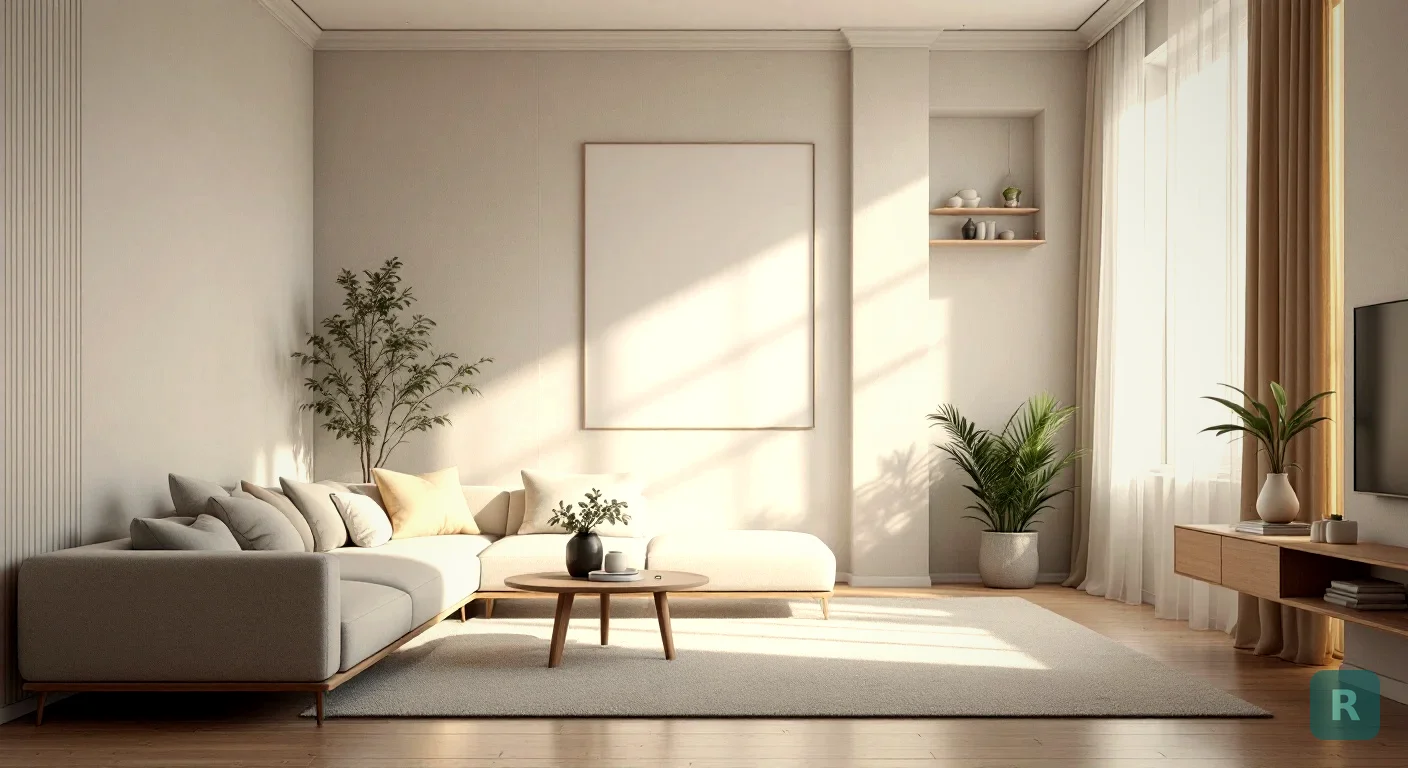
Picture this. You walk into your living room and you know it’s off. The furniture fights the room. The colors feel tired. But ask yourself what it should look like instead, and you draw a blank.
That blank is the whole problem. Most people can’t see a finished room in their head. I’ve watched it happen on a hundred jobsites.
Room decor AI fixes that. You snap a photo, pick a look, and watch the room redraw itself in seconds.
Key Takeaways
- Room decor AI takes a real photo of your space and restyles it in a chosen look, keeping the actual walls, windows, and layout.
- It works best when you shoot a clean, well-lit photo of the whole room from a corner.
- Use it to compare styles side by side before you spend money on paint, furniture, or a contractor.
- The goal is direction, not a literal shopping list. Treat the output as a vision, then build toward it.
What Room Decor AI Actually Does
Old design tools made you build a room from scratch. Drag a sofa here. Pick a wall color there. Spend an hour and end up with something that looks nothing like your actual space.
Room decor AI flips that. It starts from your room, the real one, with your real windows and your real ceiling height. Then it restyles what’s already there.
You’re not designing a generic room. You’re seeing your room, changed. That difference matters more than it sounds.
The AI reads the geometry of the space. It understands where the floor stops and the wall starts, where the light comes from, how the room is shaped. Then it paints a new style over that structure.
Swap the cabinets. Change the flooring. Drop in new furniture and lighting. The bones stay. The look transforms.
Why a Photo Beats a Mood Board
I spent years asking clients to go find pictures they liked. Pinterest boards. Magazine tear-outs. Photos of my past jobs.
It half worked. They’d show me a gorgeous kitchen from some house in California with twelve-foot ceilings and a wall of windows. Their kitchen had eight-foot ceilings and one window over the sink.
The inspiration was real. The fit was not.
Stand in a corner, hold the phone level, and get as much of the room in frame as you can. Open the blinds and turn on the lights. A bright, wide shot gives the AI more to work with and gives you a redesign that actually looks like your space.
When the redesign happens on a photo of your own room, the scale is honest. You see how that dark moody paint reads in a room that only gets light from the north. You see whether the big sectional swallows the floor or fits it.
That’s the part a mood board can never give you.
Picking a Style That Fits the Room
Here’s where people get stuck. Eleven styles, all of them nice, and no idea which one belongs in their house.
Start with what the room already tells you. A space with lots of natural light and clean lines leans Scandinavian or Japandi without much of a fight. A room with exposed brick or a concrete floor wants Industrial. Older home with character? Mid-Century Modern or a warm Farmhouse usually clicks.
Don’t overthink it. Test three. Let your eye tell you.
You can browse every option on the styles page and see what each one actually looks like before you commit a photo to it. Some of them you’ll rule out in two seconds. That’s the point. Narrowing fast is half the work.
From Blank Stare to Clear Direction
The real value shows up when you stop guessing and start comparing.
Run the same room through three styles and lay the results next to each other. Suddenly the choice isn’t abstract. One of them is going to jump out, and you’ll know.
That’s the moment I used to spend whole consultations chasing. Now it takes a homeowner about ten minutes on their couch.
How It Helps Before You Spend Real Money
A redesign on a screen is cheap. Paint, flooring, and furniture are not. Getting the direction right before you buy is where this pays off.
Use the output to plan in a sane order:
- Lock the style first. Decide the overall look before you shop for a single thing.
- Pull your palette from the image. The wall color, the wood tone, the accent shade. Those become your buying guide.
- Match real products to the vision. Take the redesigned look to the store instead of wandering the aisles hoping something clicks.
| Approach | Time | Cost to Test | Risk of Regret |
|---|---|---|---|
| Buy and hope | Weeks | Full price | High |
| Hire a designer | Days to weeks | $$$ | Low |
| Room decor AI first | Minutes | Free to start | Low |
I’m not telling you AI replaces a good designer on a complex remodel. It doesn’t. What it does is get you to a clear vision for free, so the money you do spend goes toward the right thing.
The AI might place a light fixture that doesn't exist or a counter material you'd never source. That's fine. You're after the overall feel and the palette, not a literal shopping receipt. Take the vision, then find real products that get you there.
Where Contractors Fit In
I build kitchens and bathrooms for a living. The hardest part of a sale was never the work. It was getting the homeowner to picture the finished room well enough to say yes.
That’s the design gap. Most contractors are builders, not designers. We can frame a wall straight and set tile dead level, but we can’t always hand a client a vision they can feel.
A room decor AI image closes that gap on the spot. The homeowner sees their own space transformed, gets excited, and the project moves. No expensive design retainer. No waiting.
Try It on Your Own Room
Enough theory. The fastest way to understand this is to point your phone at the room you’ve been staring at and watch it change.
- Pick your worst room. The one that makes you sigh. That’s your test case.
- Take one clean, wide photo. Corner of the room, lights on, blinds open.
- Run it through three styles. Don’t marry the first one. Compare.
- Pull the palette and key pieces from the version you love most.
- Shop or plan against that vision instead of guessing in the store.
See what your space could look like. Try it free with ReVision AI and run your first three transformations on the house, no charge.
Get Design Inspiration Weekly
Fresh room makeover ideas, renovation tips, and style guides delivered to your inbox.
Design tips and inspiration only. Unsubscribe anytime.
Related Articles
How to Actually Use an Interior Designing AI Tool on a Real Remodel
A contractor's guide to using an interior designing AI tool the right way, from photographing your room to making a confident remodel decision you won't regret.
8 min readAI Room Makeover: See Your Space Redesigned Before You Spend a Dime
An AI room makeover turns a phone photo of any room into a styled redesign in seconds. Here's how it works, what to expect, and how to use it right.
7 min readAI Interior Design Software: What to Look For Before You Pick One
AI interior design software promises instant room makeovers. Here's how to judge these tools, what actually matters, and where they help most. From a contractor.
8 min read