Paint AI Color Visualizer: See Your Room's New Color Before You Open a Can
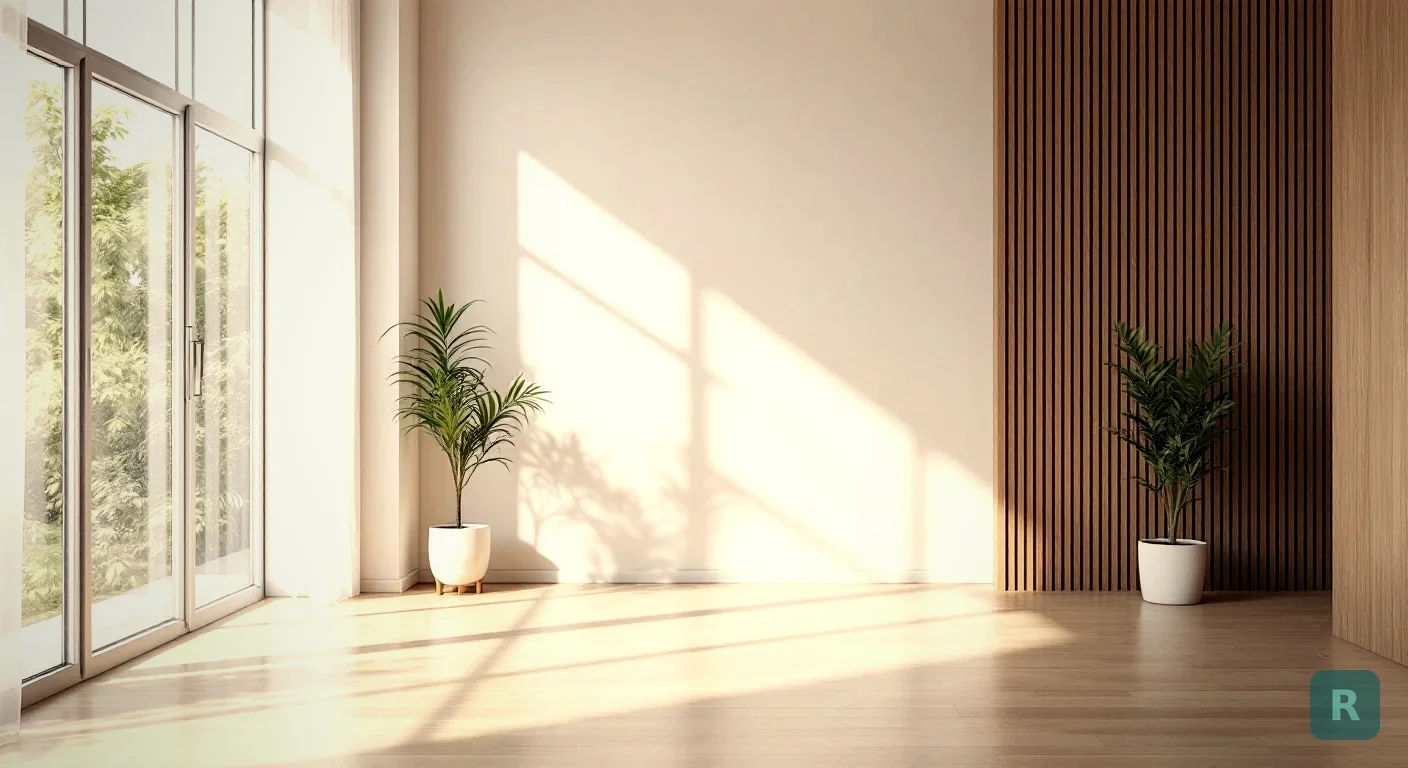
A paint chip lies to you. That little card under the hardware store fluorescents is not the same color you get on a wall in your living room at 4pm.
I’ve watched homeowners agonize over twelve nearly identical greige swatches taped to a wall. Then they pick one, paint the whole room, and hate it. Now they’re buying a second round of paint and eating a weekend.
A paint AI color visualizer skips all of that. You snap a photo of your actual room, the tool repaints the walls in any color you want, and you see it in your space before you ever crack a lid.
What a Paint AI Color Visualizer Actually Does
Most paint tools online are clunky. You pick from a flat palette, maybe drop a color onto a generic stock photo of somebody else’s living room. Useless.
A real paint AI color visualizer works on your room, not a template. It reads the photo, finds the walls, and recolors them while keeping your furniture, trim, and lighting intact.
That last part matters more than people think. The same gray reads warm in a south-facing room and cold in a north-facing one. Seeing the color against your own light, your own floors, and your own furniture is the whole point.
Here’s what a good one handles:
- Recolors walls without bleeding onto trim, ceilings, or furniture
- Keeps natural shadows and light so the color looks real, not pasted on
- Lets you try dozens of colors on the same photo in minutes
- Works from a phone, no design software needed
Why Paint Chips Fail Every Time
I’ve been on hundreds of jobsites. The paint conversation goes the same way almost every time.
The homeowner has a fan deck. They’ve narrowed it to three. They are dead sure. Then we roll a test patch and the “warm white” they loved turns yellow next to their cabinets.
Color does not exist in a vacuum. It bounces off your floors, your countertops, the trees outside the window. A chip can’t show you any of that.
Before AI tools, I told clients to buy sample pots and paint a 2x2 foot square on each wall, then look at it morning, noon, and night. A visualizer gets you 80% of that answer in 30 seconds, so you only buy samples for your final one or two.
The other thing chips hide? Scale. A bold navy looks great on a one-inch square. On all four walls of a small bathroom, it can close the room in like a coffin. You need to see it big.
How I Use It on Real Jobs
When I’m helping a client pick colors for a remodel, indecision costs money. Every “wait, can we try one more?” is another delay.
So I pull up the room photo and run colors live, right there with them. We knock out fifteen options in the time it used to take to debate two.
The visualizer turns a two-week back-and-forth into a ten-minute conversation. The client sees it, commits, and we order paint with confidence.
Open the blinds and shoot the wall straight on. Natural light gives the truest read. Avoid harsh overhead bulbs that throw off the tone.
Run every color you're considering on the same photo. Compare them side by side instead of from memory.
Buy sample pots for only the finalists. Confirm the AI's read against a real swatch on your wall before buying gallons.
That third step is the one people want to skip. Don’t. AI gets you close, fast. A physical sample confirms it. Measure twice, cut once.
Picking Colors That Actually Work Together
A room is not one color. It’s the wall color talking to your trim, your floor, and your furniture. A visualizer lets you check that whole conversation at once.
I tell homeowners to think in three layers. Walls set the mood. Trim and ceiling frame it. Furniture and decor are the accents.
| Room | Safe Bet | Bolder Move | Watch Out For |
|---|---|---|---|
| Small bathroom | Soft white, pale blue | Deep navy, forest green | Dark colors shrinking the space |
| North-facing room | Warm cream, soft beige | Terracotta, mustard | Cool grays going cold and flat |
| Kitchen | Greige, warm white | Sage, charcoal lower cabinets | Clashing with countertop undertones |
| Open living area | Greige, soft taupe | Two-tone accent wall | Color flowing oddly into next room |
The undertone trap gets the most people. A gray with a blue undertone next to a warm oak floor fights you. Seeing both in the same photo is how you catch it before the brush comes out.
Paint Visualizer vs Full Room Visualizer
A paint tool answers one question: what color? That’s a great start. Sometimes it’s all you need.
But paint is rarely the only thing a homeowner is wondering about. They’re picturing new cabinets, different flooring, a whole vibe.
That’s where a broader tool earns its keep. ReVision AI doesn’t just swap wall color. It reimagines the entire room in a full design style, so you see how the paint reads alongside everything else you’re considering. Browse the before and after gallery and you’ll see what I mean.
Refreshing one room and the bones stay? A paint color check might be all you need. Planning a bigger remodel where cabinets, floors, and finishes are all in play? Visualize the full style so the paint decision fits the whole picture instead of standing alone.
The Money Side of Getting It Right
Repainting because you guessed wrong isn’t just paint cost. It’s primer, tape, your time, and the days you stare at a color you can’t stand while you save up to redo it.
A mid-size room runs real money once you count materials and labor. Doing it twice doubles that for nothing.
Now run that across a whole house and you see why I push the visualizer hard. Thirty seconds of checking saves a few hundred dollars and a wasted weekend. That math always wins.
How to Pick Your Paint Color With Confidence
Here’s the exact order I walk homeowners through. Follow it and you stop second-guessing.
- Photograph each room in natural daylight, walls straight on
- Run your full shortlist through the visualizer on that real photo
- Compare the top options side by side, not one at a time from memory
- Check each color against your floor, trim, and big furniture undertones
- Buy sample pots for your final two and confirm on the actual wall
- Look at the samples in morning, midday, and evening light
- Commit, buy your gallons, and paint once
That’s it. No twelve swatches taped to a wall for a month. No buyer’s remorse the day after.
Want to see your room in a new color, or a whole new style, before you spend a dime on paint? Try it free with ReVision AI and run your first transformations on the house.
Get Design Inspiration Weekly
Fresh room makeover ideas, renovation tips, and style guides delivered to your inbox.
Design tips and inspiration only. Unsubscribe anytime.
Related Articles
How to Actually Use an Interior Designing AI Tool on a Real Remodel
A contractor's guide to using an interior designing AI tool the right way, from photographing your room to making a confident remodel decision you won't regret.
8 min readRoom Decor AI: How to Style Any Room From a Single Photo
Room decor AI turns a phone photo of any room into a fully styled redesign in seconds. Here's how it works and how to actually use it to plan a space.
7 min readAI Room Makeover: See Your Space Redesigned Before You Spend a Dime
An AI room makeover turns a phone photo of any room into a styled redesign in seconds. Here's how it works, what to expect, and how to use it right.
7 min read